
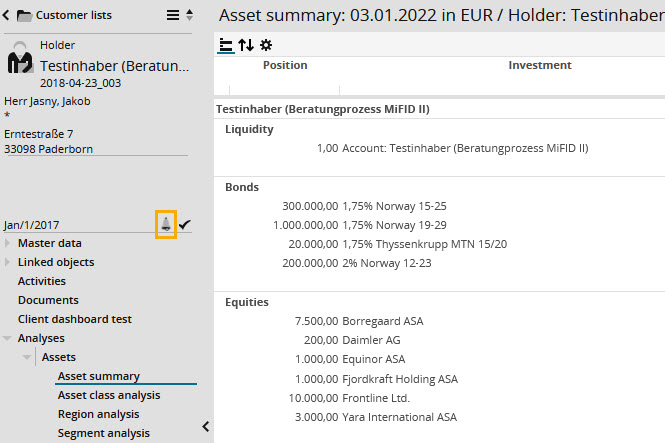
Alerts are analysed when opening the dashboard of a holder or portfolio or when opening an account or securities account view.

Click the alert icon to open the "Alerts monitoring" analysis in the analysis area.
For more information on defining alerts, see the online help of Infront Portfolio Manager.
In Client meetings, alerts are not analysed. Therefore, the alert icon is always hidden.