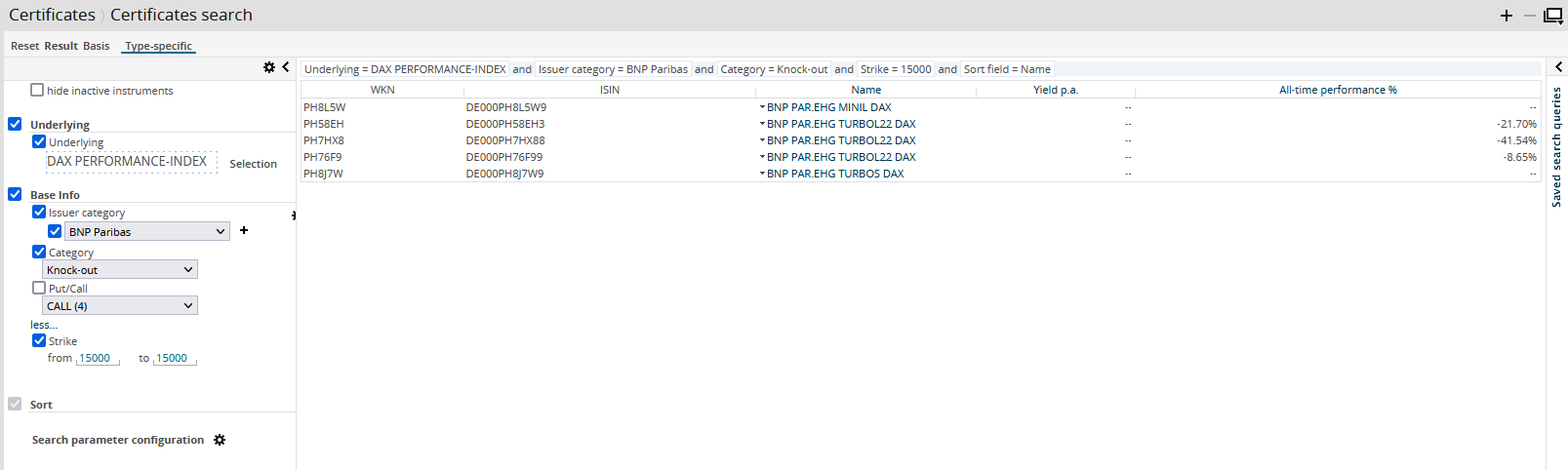
You want to purchase a Commerzbank knock-out certificate (call) on the DAX with a strike of 7500. To filter the large amount of certificates and find the right security:
-
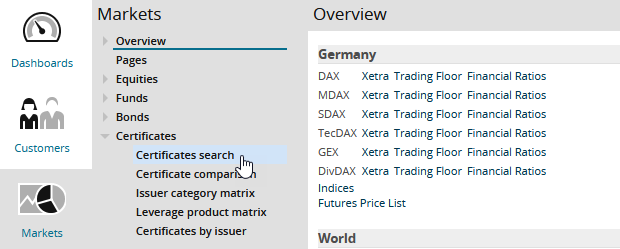
Use the area menu to switch to the "Markets" area.
-
There, select the "Certificates", "Certificates search" menu item in the navigation pane.
-


-
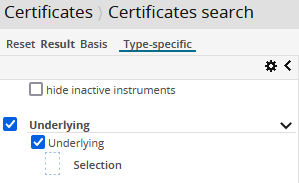
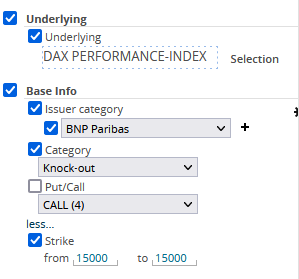
Select the "Underlying" checkbox in the "Underlying" area.
-
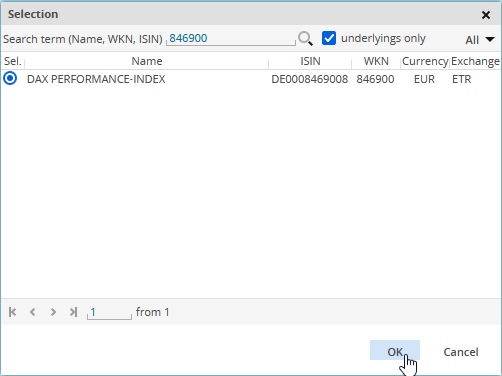
Open the security search by clicking the "Selection" button and search for DAX (for example, by using the ISIN DE0008469008).
-
Select the DAX in the search results of the security search and confirm the selection with "OK".
-
Now select the "Issuer" checkbox in the "Basic information" area and select "Commerzbank" from the corresponding drop-down list.
-
Then enable the "Category" checkbox in the "Basic info" area and select the "Knockout" entry from the corresponding drop-down list.
-
If necessary, use the "more" link in the "Basic info" area to display the other configured parameters.
If the "Strike" parameter cannot be displayed by clicking "more", you can display it at any time as described in Configuring the areas of the search parameters.
-
Select the "Strike price" checkbox and enter "7500" in the fields "from" and "to".
In the search results, you will now see the certificates found (in this example exactly one suitable one):