
To open the activities, click the "Activity" menu item in the navigation pane of the corresponding clients or prospects. The activity overview of all the client's or prospect's activities appears.
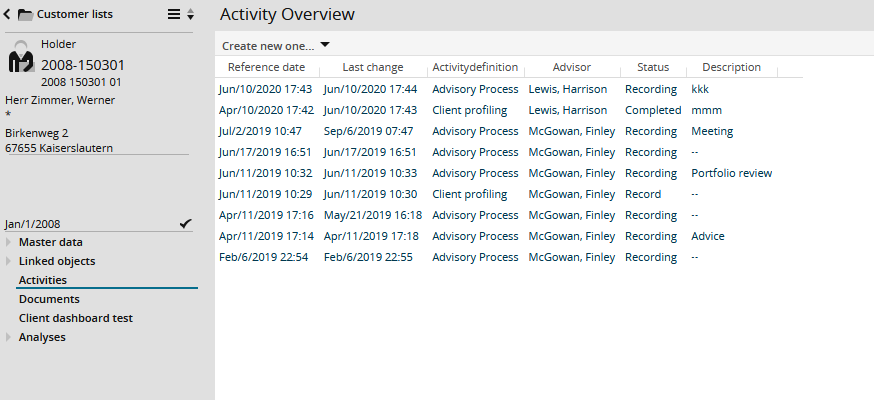
By default, the "Reference date", "Last change", "Activity definition", "Advisor", "Status" and "Subject" are available by which you can sort the overview.
Possible activity statuses shown in the "Status" column are, for example, "Record", "Execute", "Review" and "Completed".
If the activities in Infront Portfolio Manager are configured accordingly, the activities will also appear in the navigation area of portfolios.