
To the right of the main menu, you find the navigation pane. Use it to navigate within a workspace.
If you have selected an individual object, then you find a profile and further navigation items. See also the section Object view.
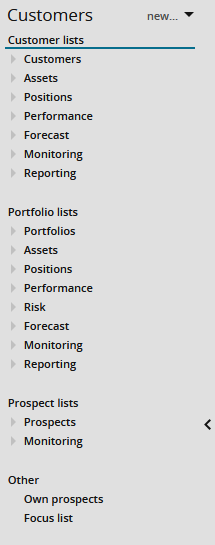
You can hide and show the main menu including the main menu by clicking the arrow in the navigation pane. For more information, see Hide main menu and navigation pane.