

For the securities in a watchlist, you can select other available trading venues. To do this, follow these steps:
-
Open the corresponding watchlist.
-

-
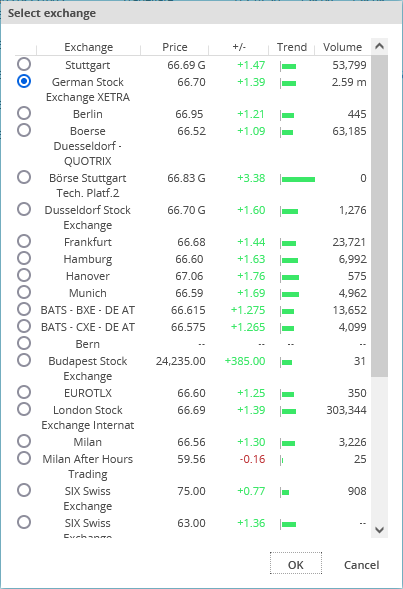
In the "Select trading venue" dialogue window that appears, you can then select the venue by selecting the corresponding option and confirming with "OK".
The security is then listed in the watchlist with this quotation.