
Infront Advisory Solution

Remove security from watchlist

AS_market_data_logo_DE.png

You can also remove securities from a watchlist. To do this, follow these steps:

  1. Open the corresponding watchlist.

  2. AS_icon_delete_watchlist_DE.png   Then click the "Remove position from watchlist" icon in the row with the entry you want to delete.

  3. Confirm the prompt that appears with "Yes".
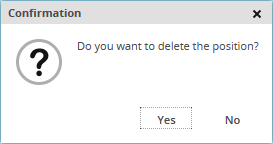
    AS_prompt_delete_position_EN.png
    This deletes the security from the watchlist.