
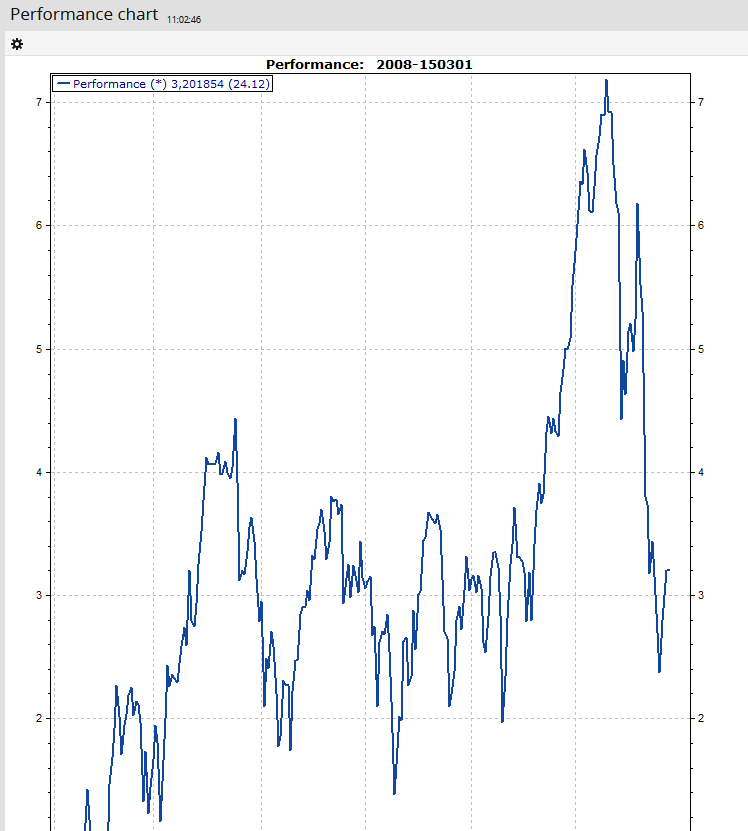
The charts for holders and other securities account objects can be edited in the settings of the toolbar.
Set charts (parameters of the analyses)
Charts can have different parameters that you can specify. To configure the settings known from Infront Portfolio Manager:
-

-
Specify the various parameters.
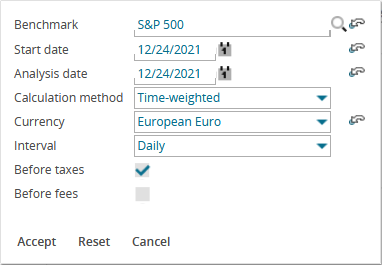
-
Finally, click the "Apply" button.
This re-analyses the chart with the specified settings.