
Infront Advisory Solution

Tables

AS_tables_EN.png

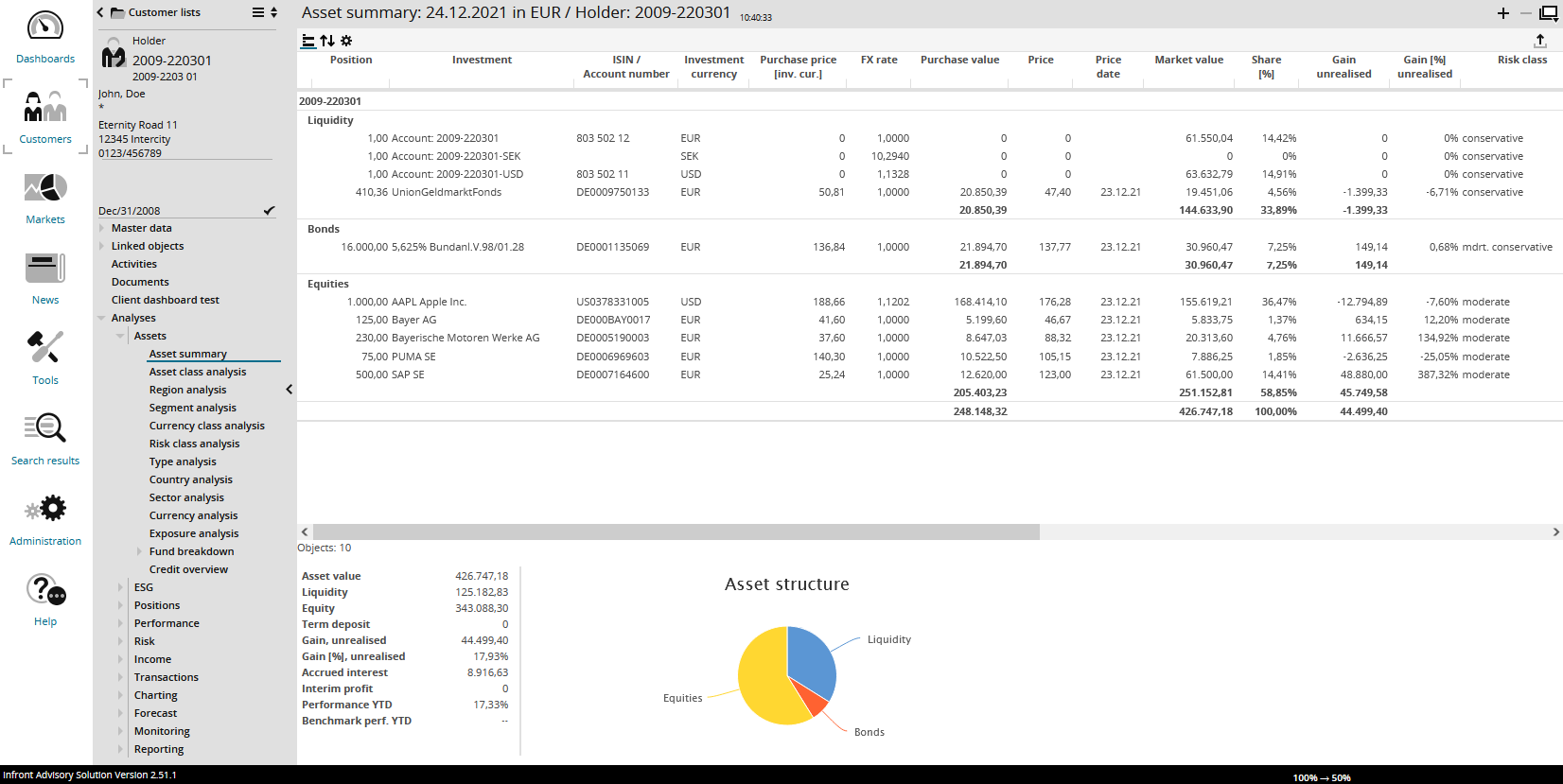
AS_tables_toolbar_DE.png The tabular analysis for holders, but also the other tables in the "Customers" area (asset overview, asset class analysis and so on), can be edited by using the functions in the toolbar or the column headers.

These changes are not permanent. When logging in to Infront Advisory Solution the next time, the default tables as configured in Infront Portfolio Manager are shown.

The columns correspond to the columns in Infront Portfolio Manager including possible data in the footer.

See also: