
Many tabular analyses in the "Customers" area have various parameters that you can set. To configure the settings known from Infront Portfolio Manager:
-

-
Specify the various parameters.
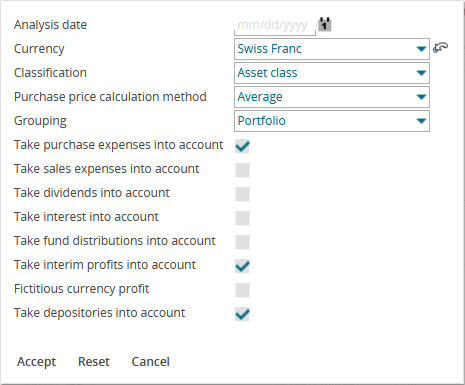

To restore all parameters, click the "Reset" button. -
Finally, click the "Accept" button.
This re-analyses the table with the specified settings.
For more information about the individual parameters of the analyses, see the documentation of Infront Portfolio Manager.