
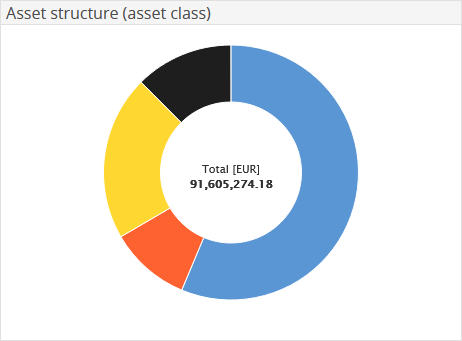
The doughnut chart of the "Asset structure" client widget shows the assets divided by, for example by asset class. In the centre, you also see the total assets in the selected currency.
Point to a segment in the doughnut chart to view the corresponding segment name and its share in percent.
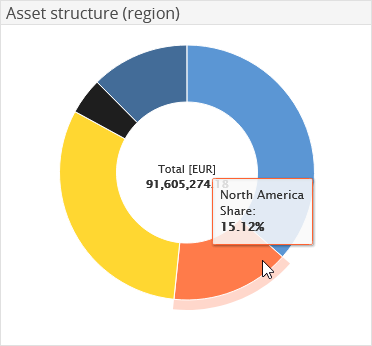

|
Element |
Description |
|---|---|
|
Currency |
From the drop-down list, select a different currency for the display, if necessary. |
|
Classification |
From the created asset classification, select the one by which the positions are splitted. The "Asset class" classification is the default setting. Further important settings are, for example, "Region", "Segment" or "Currency class". |
Confirm your configuration by clicking the "Apply" button.