
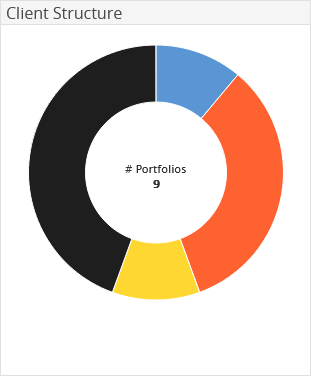
The "Client Structure" widget shows the client's assets by portfolio. In addition, you see the total number of the portfolios included.
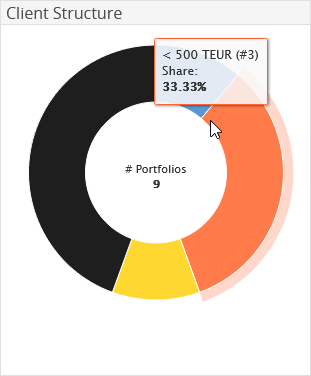
Point to a segment in the doughnut chart to see the name of the segment, the share in percent and (in brackets) the number of portfolios in a segment.

|
Element |
Description |
|---|---|
|
Client group |
All client groups are shown by default. |
|
Currency |
From the drop-down list, select a different currency for the display, if necessary. |

Confirm your configuration by clicking the "Apply" button.