

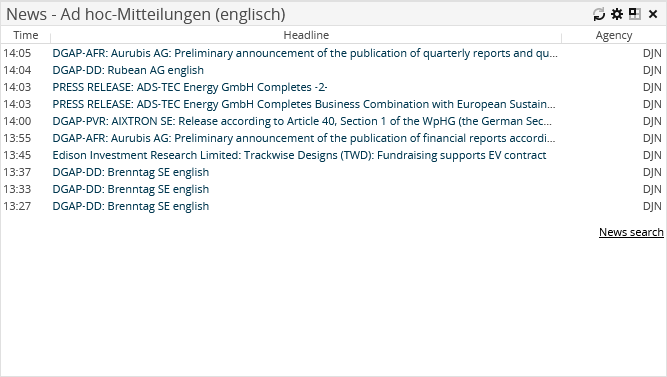
The "News" market data widget shows the 10 last news in a table with the "Time", "Headline" and "Agency" columns.


|
Element |
Description |
|---|---|
|
Category |
News from all the categories are shown by default. You can narrow down the news to a certain category. Select the relevant category from the drop-down list. |
|
Security |
You can also show the news only for a certain security. With the search icon, you can start the search and can select a security. |

Confirm your configuration by clicking the "Apply" button.
By clicking the links in the "Headline" column, you go directly from the dashboard to the corresponding news text.
Click the "News search" menu item to switch to the advanced news search.