

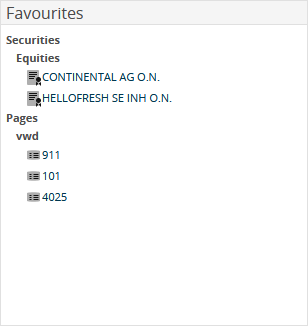
The "Favourites" market data widget displays your favourite securities and vwd pages.
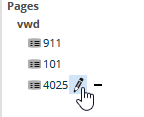
Point to the entries in the widget to rename or remove them:

|
Element |
Description |
|---|---|
|
Securities |
By default, this entry is enabled so that your favourite securities are displayed in the widget. Clear this entry to display only the favourites pages. |
|
Pages |
By default, this entry is enabled so that your favourite pages are displayed in the widget. Clear this entry to display only the favourite securities. |
To find out how to mark securities and pages as favourites, see the section Favourites.