
Infront Advisory Solution

Status of activities

AS_activity_status1_EN.png

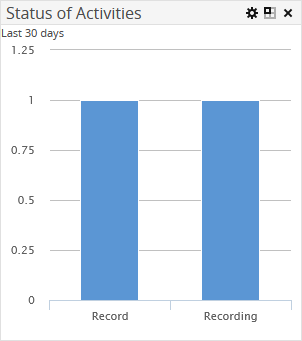
The "Status of activities" widget shows a column chart representing the number of activities with the individual statuses ("Completed", "Execute, Review", "Review", "Record", "Error" and "Open") for the last 30 days.

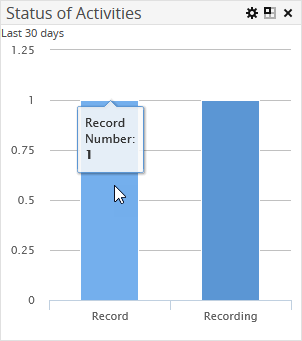
Hover over a segment in the doughnut chart to view the exact number of activities with this status.
Example

AS_activity_status2_EN.png

AS_icon_config_DE.png You can change the number of days in edit mode. To do this, click the "Configure" icon of the widget and enter required number in the "Number of days" input field. Confirm your input by clicking the "Apply" button.