

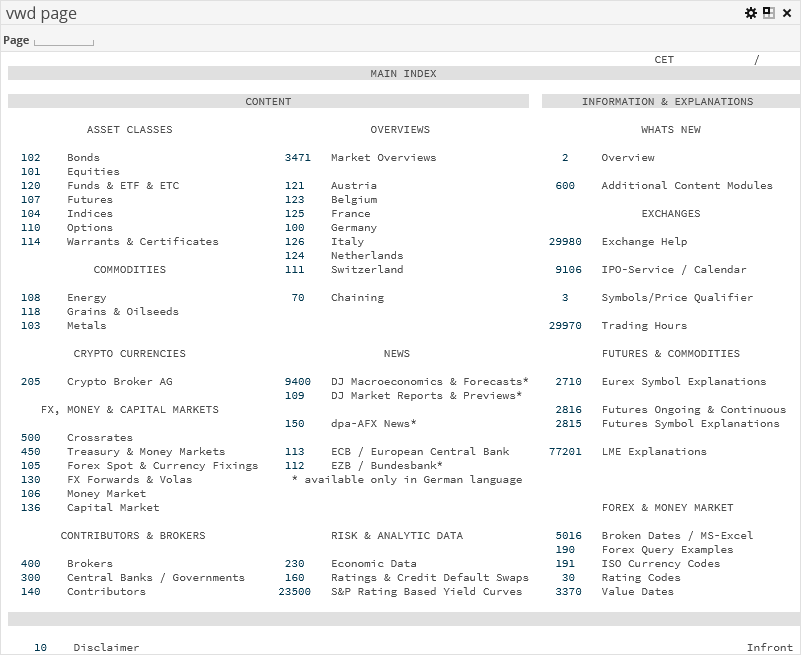
The "vwd site" market data widget shows the familiar vwd pages. As usual, you can enter the required page number in the "Page" input field (for example, "5009" for "DAX-XETRA") and confirm by pressing <RETURN> to go to this page.

|
Element |
Description |
|---|---|
|
Open links in the same window |
The checkbox is selected by default. By clicking the linked page number, you open the corresponding vwd site in a new window outside the dashboard. If you select the checkbox, then the widget shows the content of the vwd site number. |
Confirm your configuration by clicking the "Apply" button.